

receiving. monitoring. acknowledging and commenting on.
Alarm Tool
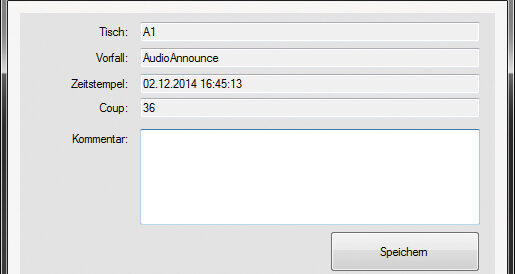
The PEye AlarmTool is a BackOffice PC application used to receive, monitor, acknowledge and comment alarms.
Operation:
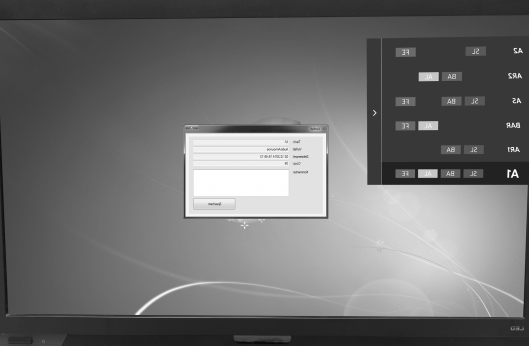
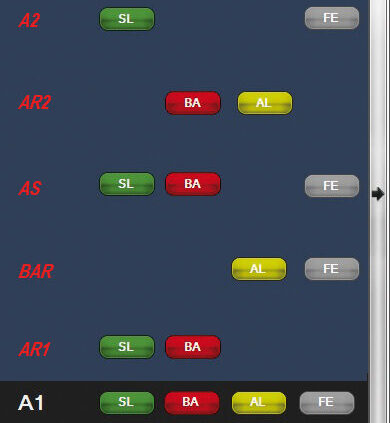
If an alarm is triggered at table 1, the responsible persons/groups are automatically informed. At the same time, the alarm also appears on the "PEye AlarmTool". The AlarmTool is intended for installation at back office workstations. The alarms can be filtered so that only the calls relevant for this workplace arrive.
If incidents are recorded at the gaming table using PEye ISSTable, they can be commented here after the incident has been clarified. This means, for example, that goodwill payments can be properly documented.
PEye AlarmTool docks in the upper left corner of the screen and is usually invisible except for a small flag. In the event of an alarm, a small window opens before all other applications.
automatically created. sent by email.
System Report
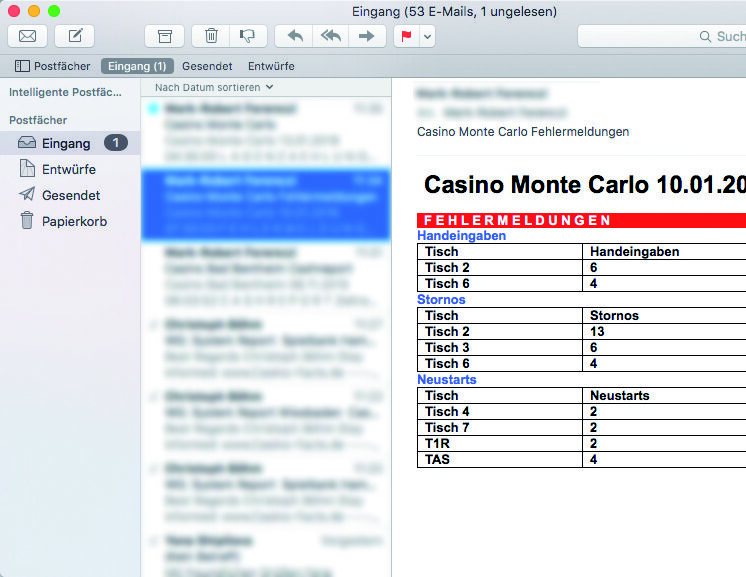
Using the PEye SystemReport software, reports on faults affecting all PEye Table Management System devices – such as unavailability, cancellations, manual
l entries, as well as wheel sensors, etc. – can be generated automatically and sent by email.
This ensures that faults can be rectified as quickly as possible by our support team or your technicians.
This ensures that faults can be rectified as quickly
by our support team or your technicians.
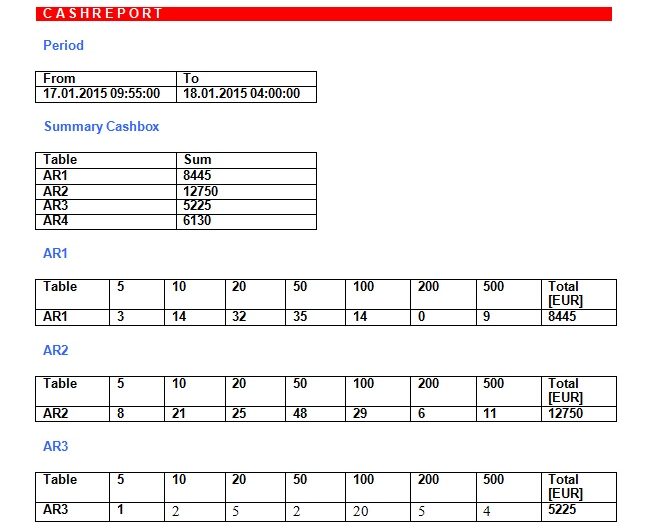
With this module, various other reports such as table stock counting, cashbox counting can also be sent automatically to different groups of people.
This means that, for example, you will have the initial count of all table cash boxes available immediately after the end of game.
export of data
CSVExporter
With the CSV exporter, almost all data of the central database can be exported in CSV format, so that you can edit it directly – e.g. with Microsoft Excel.
The exports can also be executed automatically scheduled.
quality assurance
TableMonitor
PEye TableMonitor is a part of quality assurance.
The floor management sees on their monitor in
back office that:
+ the rotor or the ball from the dealer two
successively in the same direction
turned off,
+ the rotor speed is not within the tolerance range (too fast/too slow)
+ the ball did not have enough rounds before the win number fell.
If the readings fall outside the permissible range, the floor manager can intervene promptly.